← All templates
Product Demo Video
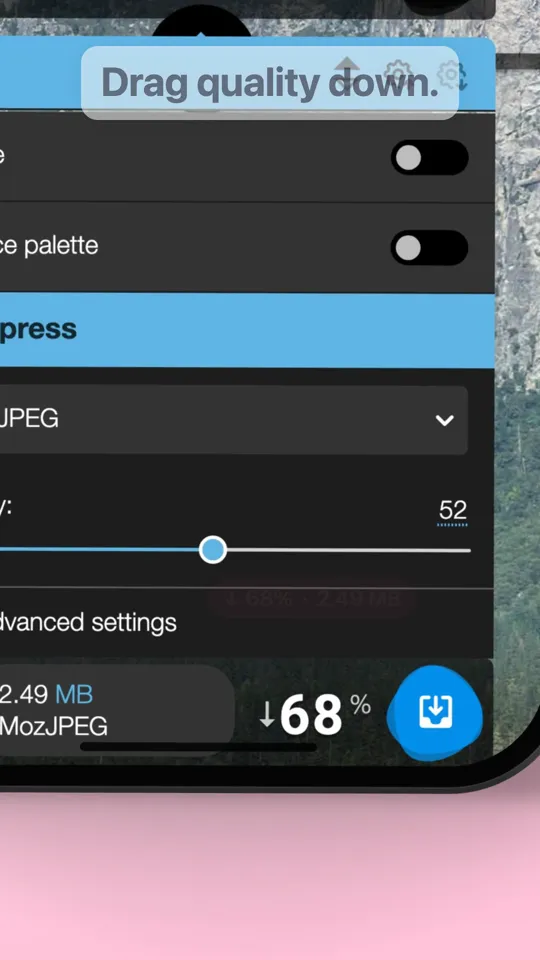
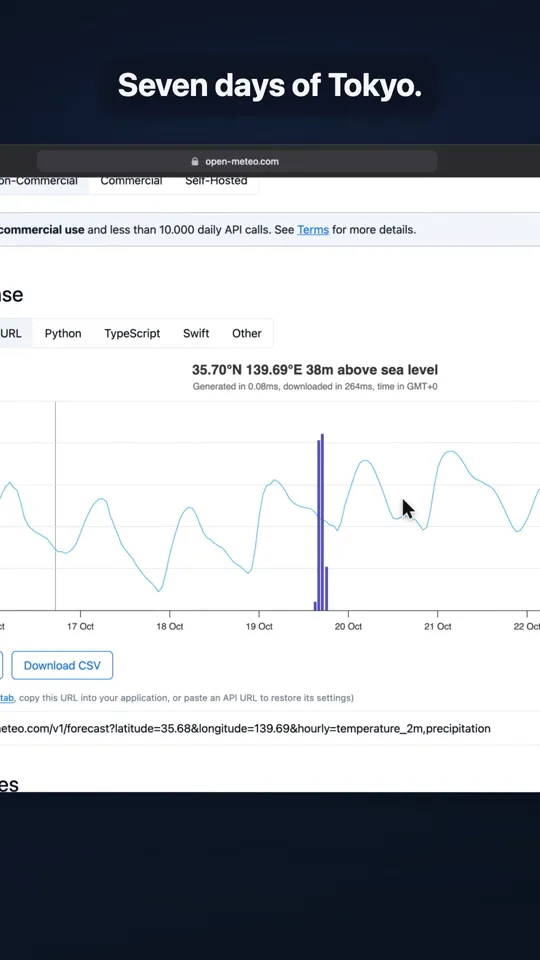
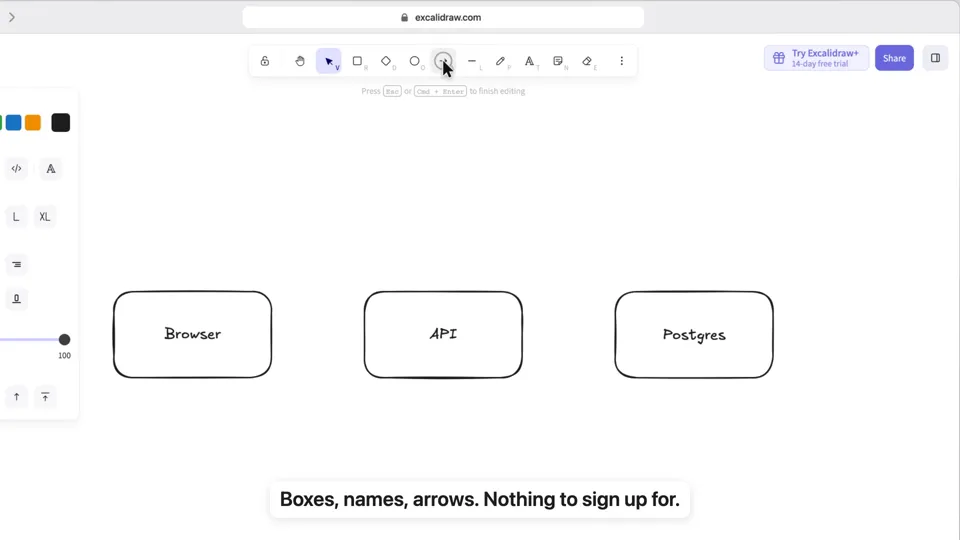
A launch or a new feature: your real app in a phone or a browser, clicked, typed into, zoomed in on
Make the same video as the "Product Demo Video" template on ultramotion.ai: https://ultramotion.ai/templates/product-demo/

If you can install skills, run npx skills add sunsiyuan/ultramotion first and use its product-demo template (skills/ultramotion/templates/product-demo/, starting from squoosh-phone-en.html) as the starting point: copy it and keep the look, the pacing, the camera, the type and the music exactly as they are; only replace what is in 【】 below with mine. If the words are longer or shorter, change the size and the line breaks, not the structure. Capture the real screens with lib/ui-demo/capture.py; the steps and captions are at the top of the html. If you can't install skills, make the same video as the one on that page from scratch.

My content:
- Your product: 【its URL, or your screenshots or screen recording】
- What to do in it: 【click, type, drag…】
- Captions: 【three to five short lines】
- The payoff number: 【read from the capture】
- Phone or browser: 【…】

Deliver: Vertical 1080×1920, 30 fps, an mp4 with music, in the current directory.
Made at 9:16. For another size (9:16, 16:9, 4:5, 1:1), say so in the prompt.