← All templates
Animated Captions
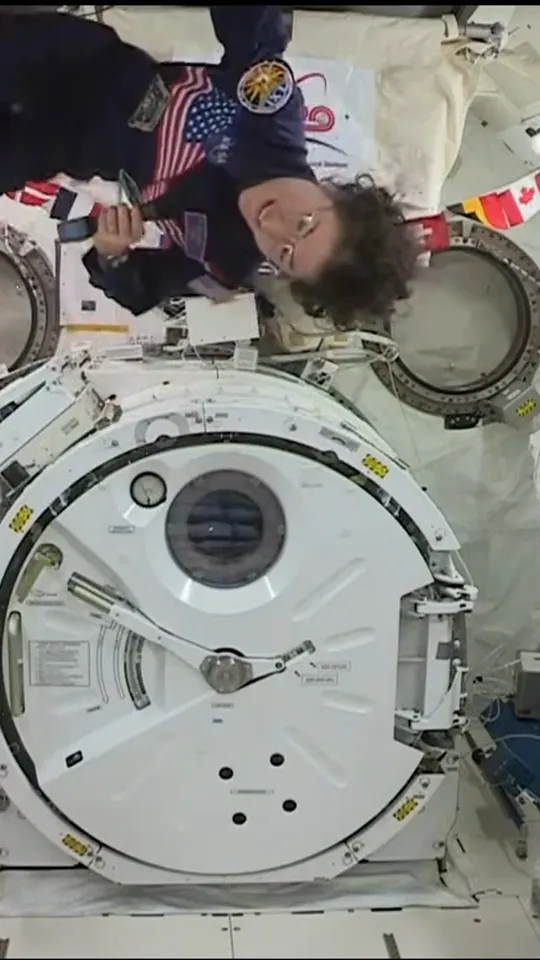
Talking heads, interviews, podcast clips: each word lights up as it is said, key words in colour
Make the same video as the "Animated Captions" template on ultramotion.ai: https://ultramotion.ai/templates/word-captions/

If you can install skills, run npx skills add sunsiyuan/ultramotion first and use its word-captions template (skills/ultramotion/templates/word-captions/, starting from koch-float.plan.json) as the starting point: copy it and keep the look, the pacing, the camera, the type and the music exactly as they are; only replace what is in 【】 below with mine. If the words are longer or shorter, change the size and the line breaks, not the structure. Transcribe with word times (faster-whisper), write the plan the way make_plan.py does, then render with lib/variety-captions/vc.py. If you can't install skills, make the same video as the one on that page from scratch.

My content:
- Your clip: 【a talking-head video】
- Key words: 【…】
- Colours: 【white, yellow, green】

Deliver: Vertical 1080×1920, 30 fps, an mp4 with music, in the current directory.
Made at 9:16. For another size (9:16, 16:9, 4:5, 1:1), say so in the prompt.
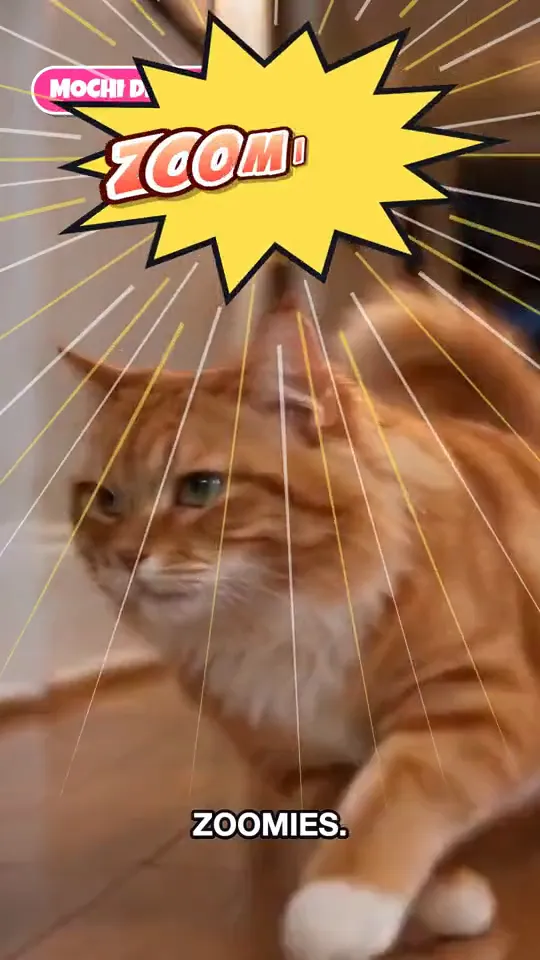 Variety Show Captions